
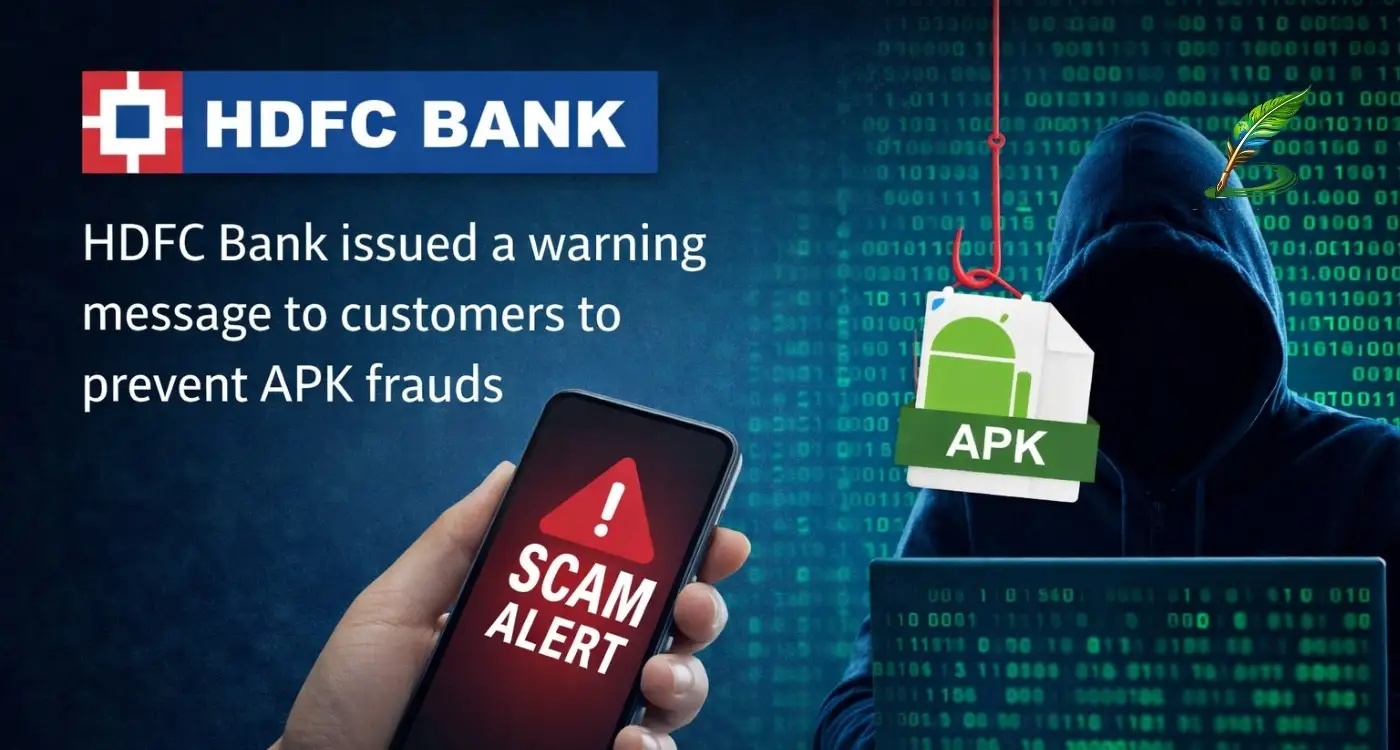

Recently, HDFC Bank has issued a warning to its customers through email. Yes, the bank has sent an email to its customers advising them to be cautious of the prevalent APK fraud. HDFC shared these tips today (January 18, 2026) between 12:00 pm and 2:30 pm. Money fraud and scams are increasing day by day and are no longer limited to messages or calls, but are also being carried out through APK fraud. In this article, we are going to share all the details related to this topic, like APK scam, money laundering, security checklist, the process of this scam, and solutions to get money back.
According to reports, APK fraud is spreading rapidly these days as scams that used to happen through calls or messages are now being done through APKs as well. Android package kits refer to scams in which malicious or fake files are used to install apps on Android devices outside of the official app store. In this scam, fraudsters create a fake version of a popular app and ask users to install it on their phones. This app often contains hidden malware that can steal personal data, passwords, banking information, or install spyware. Unaware of all this, the victim installs the app and sometimes loses access to his smartphone, which contains bank passwords, card details, OTPs, and other sensitive information. If you also have any such apps that you are not using, uninstall them immediately.
Key points about these frauds and scams
It starts with fraudsters sharing it as an email or WhatsApp message with a link or file attachment. The message appears to convey a sense of urgency, which could be misattributed to important documents such as mandatory re-KYC updates, outstanding traffic fines (e-challans), income tax refunds, and unused rewards or cashbacks. After reading the message, users click on the link and download the app from a third-party source (outside the Google Play Store). Users install the app that acts as malware/spyware, allowing the scammer to gain full remote access to your phone, read your SMS (to steal OTPs), access your banking apps and transfer funds instantly, and more.
Due to such frauds, HDFC issued a warning to its customers and advised them to remove or uninstall any unnecessary apps that may lead to fraud. HDFC has also clarified that they never ask for sensitive information like your credit card number, PIN or netbanking password through email.
Here, HDFC shared some points for safety:
Always use Google Play Store and Apple App Store, never use third-party sites like websites, Chrome, and other apps. Never download apps from links sent in messages. Be wary of any app that asks for unnecessary access to your SMS, call log, or contacts. While using NetBanking, Look for the lock icon in your browser’s address bar. HDFC has clarified that they never ask customers for an OTP or PIN. Official messages from HDFC Bank will always come from HDFCBK or HDFCBN ID.
Read the email HDFC Bank sent to its customers
Dear Customer,
Fraudsters share fake links on SMS, WhatsApp, or email, posing as bank alerts, e-challans, or official notices. The link asks you to download an APK file ( through an app outside the Play Store), which, once clicked and installed, can then access your personal and banking details, control your phone, and drain your bank account.
Stay protected from fake APK files by following these 5 habits:
- Download Only from Trusted Sources: Always install banking apps from official stores like the Google Play Store or Apple App Store.
- Avoid Suspicious Links & Attachments: Never click on unverified links or download attachments from unknown sources.
- Check App Permissions: Be cautious of apps that request SMS, call log, or contact access.
- Enable Multi-Factor Authentication (MFA): Use secure login methods like OTPs, biometrics, or authentication apps.
- Report Fraud Attempts: Suspected Fake Call, SMS, or WhatsApp?
Report at https://sancharsaathi.gov.in/ (Chakshu portal) or via the Sanchar Saathi app.
If You’re a Victim: Act fast- contact your bank, visit https://www.cybercrime.gov.in/ or call 1930.
Solutions if you encounter any fraud:
Immediately send an email to report.phishingsite@hdfcbank.com or call the bank’s 24/7 helpline to block your accounts. You can only raise your issue if you are a victim of HDFC Bank. Other options include calling 1930 (the Home Ministry’s cybercrime helpline) or visiting cybercrime.gov.in. You can immediately file a case so that the police authorities can get information about your scam. Report the fraudulent message on the Sanchar Sathi (Chakshu) portal to help authorities track the scammer’s number. Keep following our site to get more articles on the latest news topics.


 By
By
 By
By


 By
By